Everything about converting MP3 to FLAC
What MP3 actually is
MP3 is the format that made digital audio mainstream, and thirty years on it remains the most widely supported lossy codec there is. DaVinci Resolve imports it, on Linux too, but it carries an encoder delay that throws sync off, and every lossy re-export costs quality.
What this conversion does, and what it does not
Be clear about what this conversion does and does not do. FLAC preserves exactly what is in your MP3, including the artefacts the MP3 encoder introduced. The file gets larger and no better sounding. What you gain is a format your editor reads natively and that will not degrade again on re-export.
Step by step
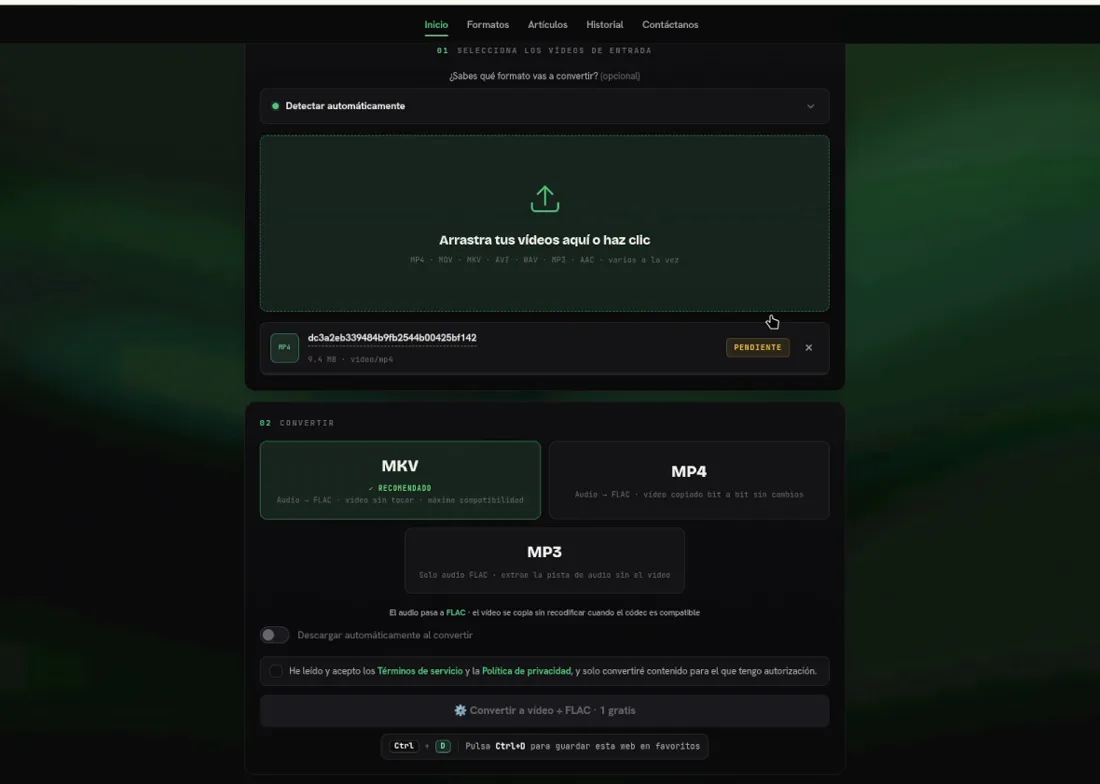
- Drop your .mp3 file onto the upload area, or click Select files. You can queue several at once.
- Choose FLAC as the output format.
- Press Convert. The file is processed on your own machine and never uploaded.
- Download the FLAC and import it into your editor.
Common problems and what to do
If the source is 32-bit floating point audio, FLAC needs integer samples, so it is converted to 32-bit integer first: handled automatically and inaudible. If a file fails outright, open Technical details · FFmpeg and read the log: it usually names the codec that could not be decoded.
MP3 patents expired in 2017
The MP3 licensing programme was wound up in 2017, so the format is patent-free today. That is why DaVinci Resolve does decode it on Linux, unlike AAC or AC-3, which are still protected: we confirmed it in Studio 21, and users report the free version does it since Resolve 17.
If DaVinci Resolve will not import your MP3
Convert the file to FLAC with VidToFLAC and import the .flac: Resolve reads FLAC without depending on the MP3 codec. In our test with Studio 21 on Ubuntu, an MP3 already came in with sound. We have not tested MP3 in the free version of Resolve.
The fix for your MP3 files: transcode the audio to FLAC
MP3 turns up in screen recordings, old capture software and legacy archives. DaVinci Resolve does import it, on Linux too, but its encoder delay throws sync off and every lossy re-export costs quality.
VidToFLAC decodes the MP3 audio and re-encodes it to FLAC, an open lossless format that DaVinci Resolve, Premiere Pro, Avid and Final Cut all read natively on Windows, macOS and Linux. The whole job runs inside your browser through FFmpeg compiled to WebAssembly, so the file never leaves your machine.
FLAC preserves the MP3 content exactly, artefacts included. The file grows and sounds no different; what you gain is native editor support.